
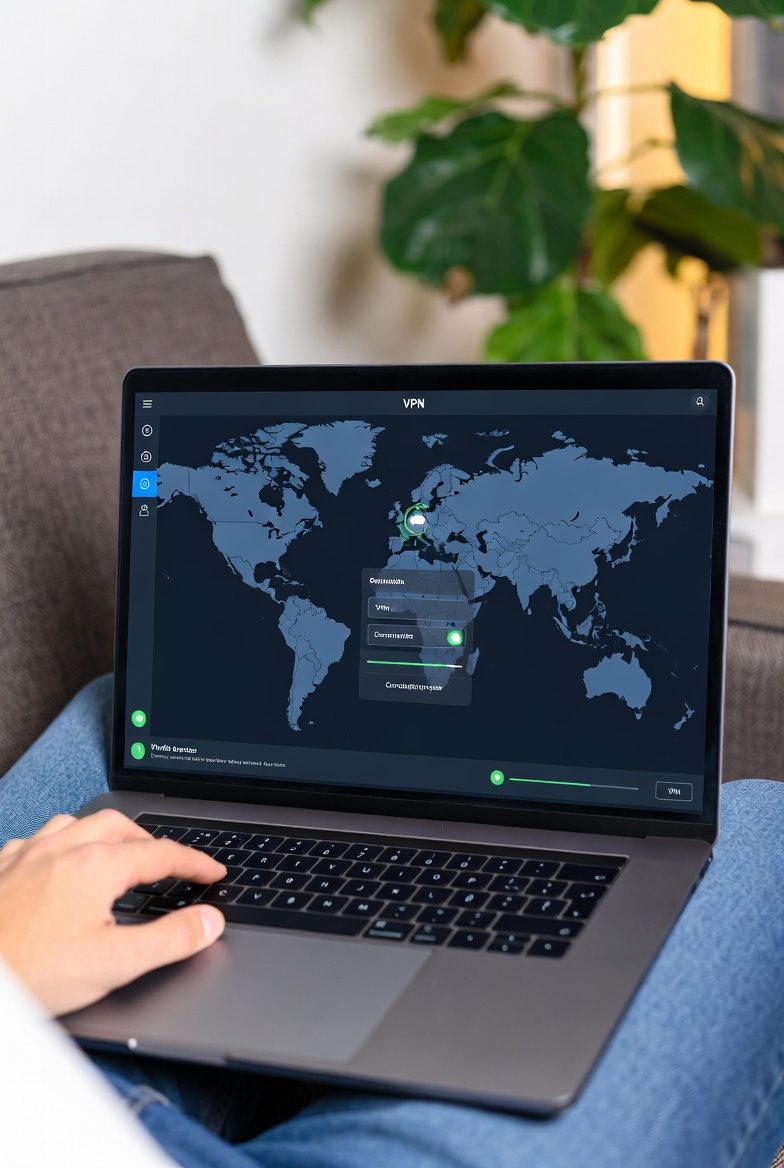
NordVPN wins for beginners because of its one-click interface, 24/7 live chat support, and SmartPlay that automatically handles streaming — no manual server selection needed. Runner-up: Surfshark at $1.99/mo if budget is the priority.
What Does a VPN Actually Do?
A VPN (Virtual Private Network) does two things: it encrypts your internet traffic so nobody can read it, and it hides your real IP address by routing traffic through a server in another location.
Without a VPN: your internet provider (ISP) can see every website you visit. Websites you visit see your real IP address and location. On public Wi-Fi, anyone on the same network can potentially intercept unencrypted traffic.
With a VPN: your ISP sees only encrypted traffic going to one server. Websites see the VPN's IP address, not yours. Public Wi-Fi snooping is blocked by encryption.
| Situation | Without VPN | With VPN |
|---|---|---|
| Home Wi-Fi | ISP logs all visits | ISP sees only encrypted connection |
| Public Wi-Fi (café, airport) | Network admin can snoop | All traffic encrypted |
| Streaming abroad | Content blocked by region | Connect to home-country server |
| Website sees your location | Real location exposed | VPN server location shown |
| Tracking | IP-based tracking possible | IP hidden from trackers |
Which VPN Should a Beginner Choose?
Answer these three questions and you'll know which VPN to pick:
💰 Budget is your priority?
→ Surfshark — $1.99/mo. Cheapest premium VPN. Unlimited devices. Get deal →
⚡ You want the best all-rounder?
→ NordVPN — $3.39/mo. Fastest, most audits, best apps. Get deal →
🎬 Mainly for Netflix / streaming?
→ ExpressVPN — $2.79/mo. Unblocks 20+ Netflix libraries, most reliable. Get deal →
🔒 Privacy is your top concern?
→ ProtonVPN — $2.99/mo. 100% open-source, Swiss jurisdiction. Free plan available. Get deal →
How to Set Up a VPN — Any Device
🪟 Windows Setup (NordVPN example)
Sign up & Download
Go to NordVPN via our deal link (74% off). Create account. Download the Windows app from nordvpn.com/download.
Install & Log In
Run the installer (takes ~2 minutes). Open NordVPN, log in with your email and password.
Click "Quick Connect"
Press the big connect button. NordVPN automatically picks the fastest server for your location. You're protected. Look for the green padlock.
Optional: Enable auto-connect
Settings → Auto-connect → On. Now the VPN activates every time Windows starts. You never forget to turn it on.
📱 Android / iOS Setup
Search "NordVPN" in Google Play or App Store. Download, sign in — same account as desktop. Tap "Quick Connect". Done. iOS users: enable VPN under iOS Settings → VPN if prompted. Android users get a 3-day free trial — no payment needed to test.
🍎 macOS Setup
Download from nordvpn.com/download/mac or the Mac App Store. macOS will ask for permissions to configure a VPN — allow them. Same one-click interface as Windows. Enable "Auto-connect on unsecured Wi-Fi" in Settings to stay protected automatically on coffee shop networks.
What Not to Do
- Don't use free VPNs — free VPNs typically log and sell your data (the "product" is you). Only exception: ProtonVPN free plan which is genuinely no-logs and unlimited bandwidth. See: Best Free VPN Guide →
- Don't forget to enable auto-connect — the #1 mistake is forgetting to turn the VPN on. Set auto-connect on launch and on all networks.
- Don't use VPN for illegal activity — a VPN doesn't make illegal actions legal. See: Is a VPN Legal? →
- Don't ignore the renewal price — promotional prices end after 1–2 years. Set a reminder and negotiate renewal discount. Guide: VPN Renewal Guide →
- Don't assume any VPN is the same — speed, audit count, jurisdiction, and logging policies vary enormously. Full comparison: Best VPN 2026 →
Visit ipleak.net or dnsleaktest.com with the VPN connected. Your IP address should show the VPN's server location — not your real location. Also check for DNS leaks. If your real IP shows, contact VPN support immediately.
Yes, slightly. A good VPN on a nearby server loses about 5–15% of speed. NordVPN loses only 4.9% on nearby servers in our tests. You'll barely notice on streaming, browsing or general use. Only heavy file transfers on slower connections (under 50 Mbps) may feel the difference.
Yes — every major VPN supports multiple devices on one subscription. NordVPN: 10 devices. ExpressVPN: 8. Surfshark: unlimited. You typically get apps for Windows, Mac, Android, iOS, Linux, and browser extensions too.
Surfshark at $1.99/mo on the 27-month plan — plus 7-day free trial, no credit card needed. NordVPN at $3.39/mo is worth the extra if you want faster speeds and more audits. Full comparison: Cheapest VPN 2026 →