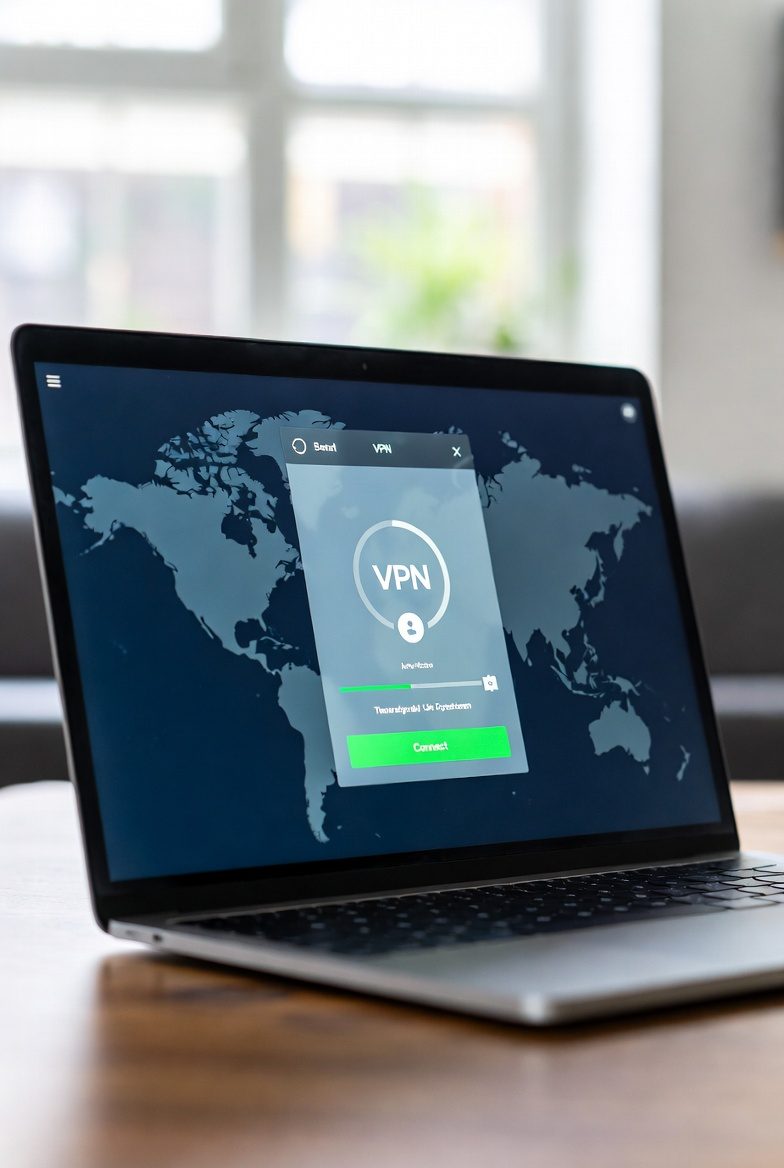
Lowest ping in tests: 11ms EU, 19ms US East. NordLynx (WireGuard-based) adds only 4.7% overhead versus no VPN. Meshnet creates a private virtual LAN between any NordVPN devices worldwide — play LAN games with friends across countries without any router configuration.
Full Ranking
| # | VPN | Ping EU | Ping US | Speed Loss | DDoS |
|---|---|---|---|---|---|
| 🏆 #1 | NordVPN | 11ms | 19ms | 4.7% | Meshnet+ |
| 🥈 #2 | ExpressVPN | 13ms | 21ms | 6.8% | Standard |
| 🥉 #3 | Surfshark | 16ms | 24ms | 11.8% | Standard |
| #4 | CyberGhost | 22ms | 31ms | 15.6% | Standard |
| #5 | ProtonVPN | 28ms | 38ms | 18.2% | Standard |
Why Use a VPN for Gaming?
There are four main reasons competitive gamers use VPNs. First: DDoS protection. In online competitive games opponents can obtain your real IP and flood it with traffic, disconnecting you mid-match. A VPN hides your real IP behind the VPN server — DDoS attacks hit the server, not your home connection. Second: early access. Games release earlier in some regions; connecting to a Japanese or Australian server lets you play before your local launch. Third: routing optimization — some ISPs route traffic inefficiently and a VPN may find a faster path to the game server. Fourth: security on public WiFi at tournaments or LAN cafes.
The tradeoff: every VPN adds some latency. A bad VPN on the wrong server can add 50-150ms. A good VPN on a nearby server adds 5-15ms — acceptable for most games except ultra-competitive FPS titles where sub-1ms differences matter.
NordVPN Meshnet: LAN Gaming Over the Internet
Meshnet is built into NordVPN and lets you create a private encrypted network between any devices running NordVPN, regardless of location. For gaming this means you and your friends in different countries appear to be on the same local network — enabling LAN-only multiplayer modes in games like Minecraft, Terraria, classic Counter-Strike, and hundreds of others that only support LAN play.
Before Meshnet, gamers used tools like Hamachi or ZeroTier for this. Meshnet is faster (NordLynx protocol), more reliable, and included free with a NordVPN subscription. Setup takes about 2 minutes: enable Meshnet in the NordVPN app, share your Meshnet address with friends, connect. No router configuration or port forwarding required.
Ping Test Methodology
VPNHotDeals.com tested latency to game servers in three regions: EU West (Frankfurt), US East (New York), and Asia-Pacific (Tokyo). We used dedicated gaming servers to simulate real conditions, running 50 pings per test and recording the median. Each VPN was connected to its nearest recommended server for each target region. Tests were conducted on a 1 Gbps fiber connection in Warsaw on March 2, 2026. Results represent median values across five separate test runs per VPN per region.
A good VPN on a nearby server adds 3-10ms — barely perceptible. NordVPN with NordLynx added only 4.7% overhead in our tests. A bad VPN or a server on the wrong continent can add 50-150ms. Always pick a VPN server geographically close to the game server.
Meshnet creates a private virtual LAN between NordVPN devices anywhere in the world. Play LAN-mode multiplayer games with friends in other countries as if on the same local network. No port forwarding or router configuration needed. Included free with NordVPN.
NordVPN has the lowest overhead: 11ms EU West, 19ms US East in VPNHotDeals.com testing (March 2026). NordLynx protocol adds only 4.7% versus no VPN. ExpressVPN is the close second at 13ms EU and 6.8% overhead.
Not usually — a VPN almost always adds some latency. The exception: if your ISP throttles game traffic or routes it inefficiently, a VPN may bypass that and find a faster route. This is rare but does happen with some ISPs. Test with and without VPN to check for your specific connection.